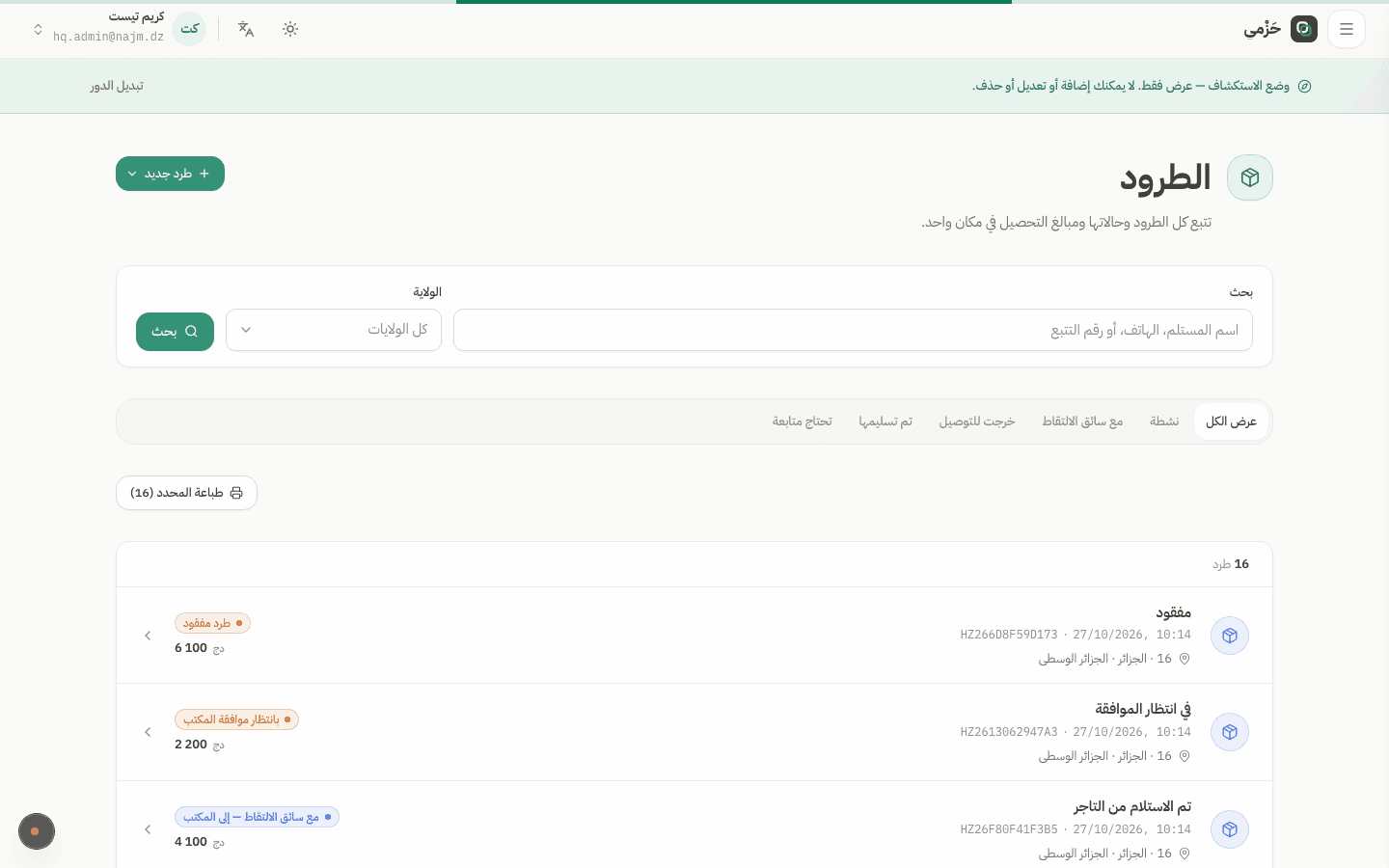
Open New parcel
From the sidebar choose New parcel. Merchants and permitted hub staff share the same form fields.
Create a parcel
ParcelsMerchant · HQ · Hub5 min read4 Steps
How a merchant or hub agent creates a parcel in Hezmy: recipient, wilaya, collection amount, and delivery type.
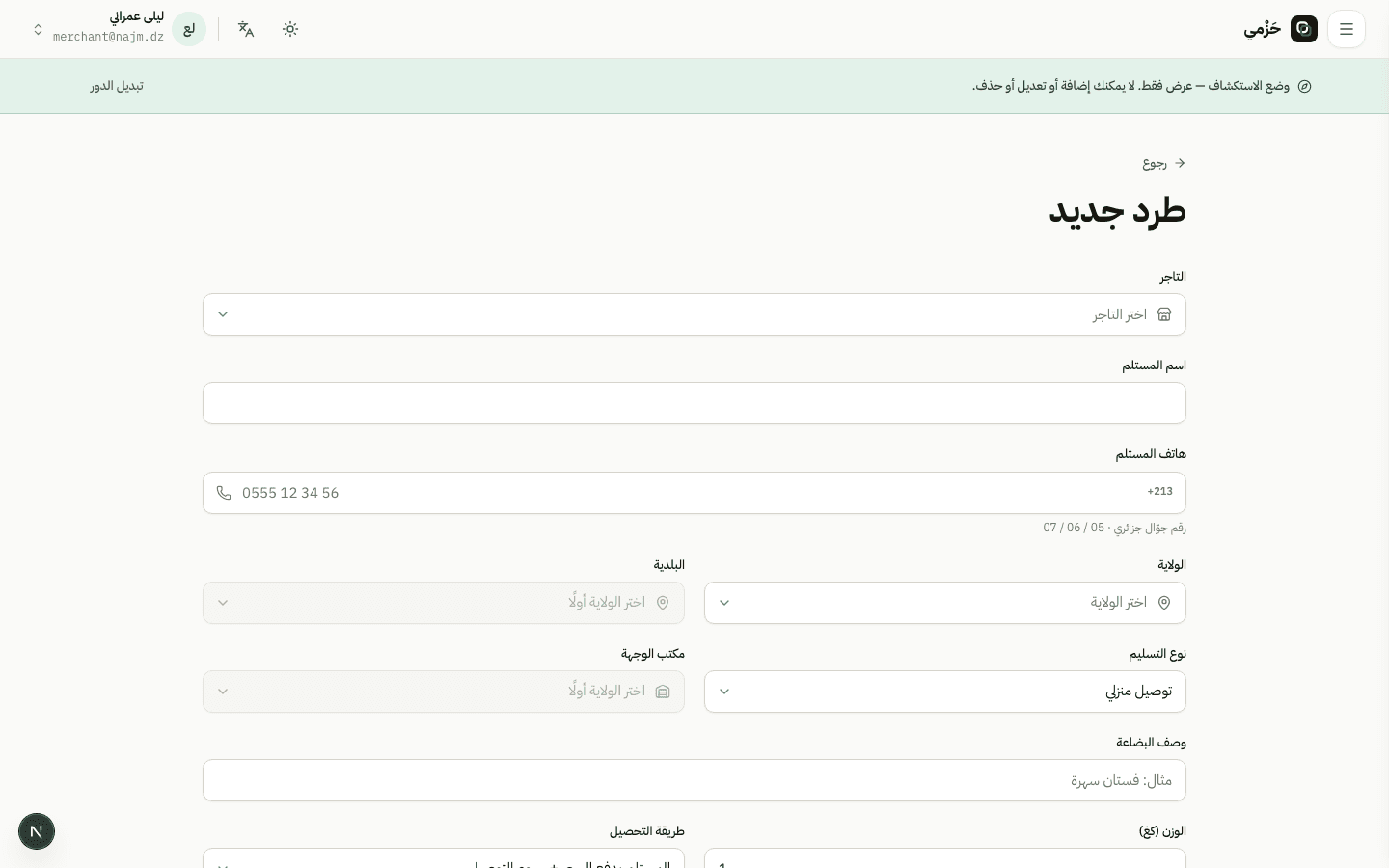
From the sidebar choose New parcel. Merchants and permitted hub staff share the same form fields.
Enter recipient name and phone, then pick wilaya and commune. Delivery type chooses home delivery or office pickup.
Algerian phone numbers are validated in the field.
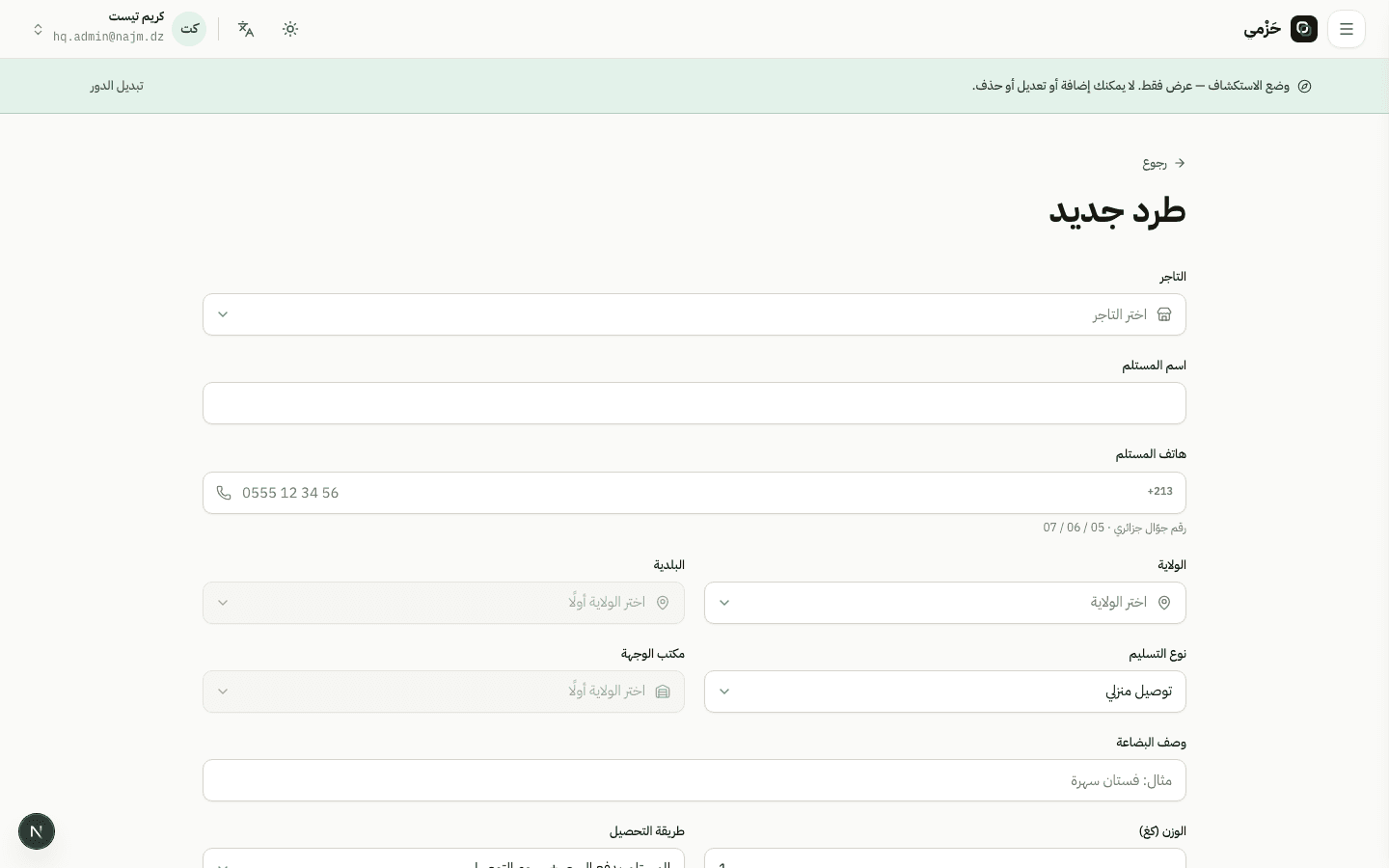
Describe contents, optionally pick a catalog product, set the cash-on-delivery amount and weight or size if needed. Review the fee preview before saving.
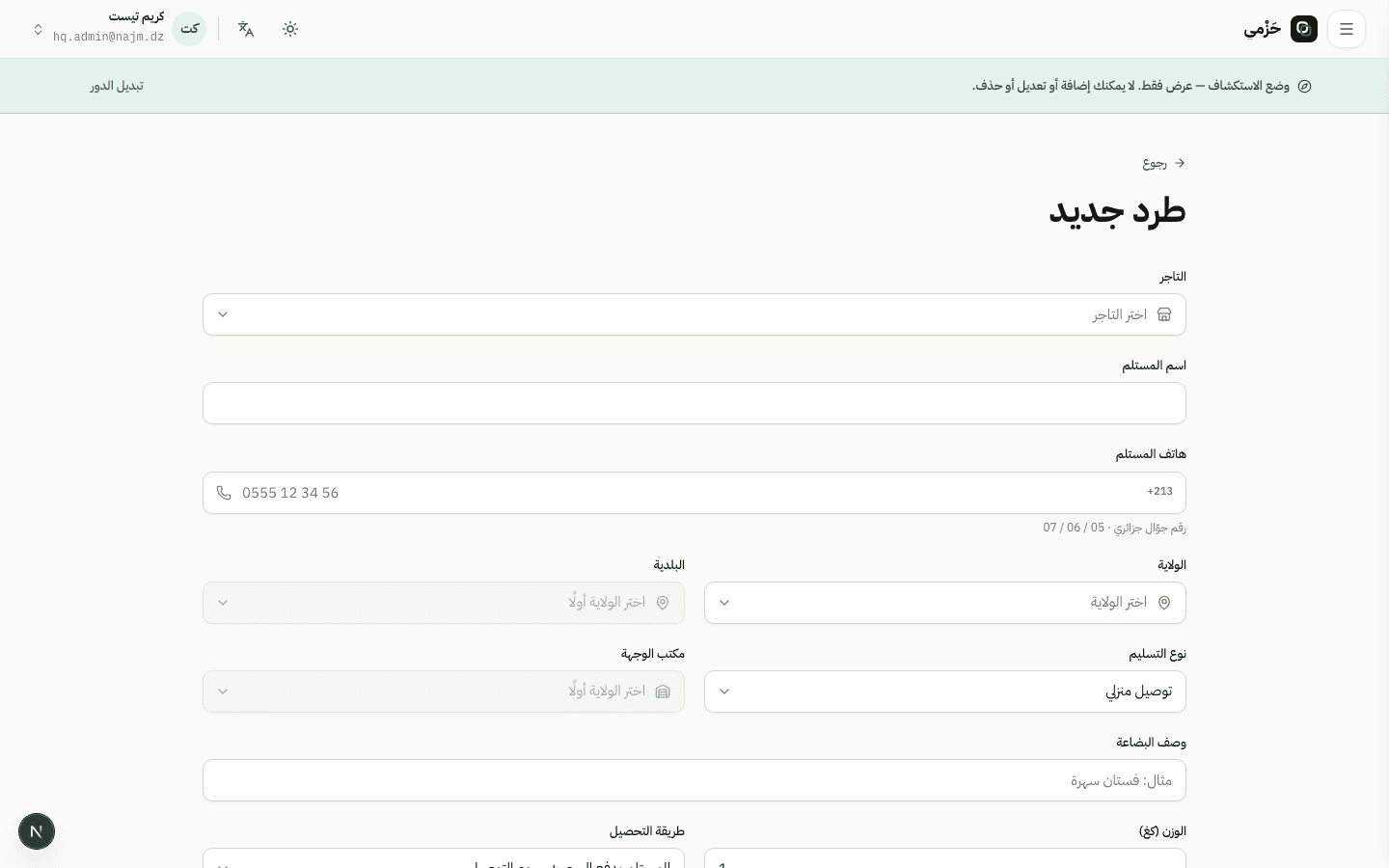
After save you get a tracking number. Open the parcel page to print the label or request pickup once parcels are ready.