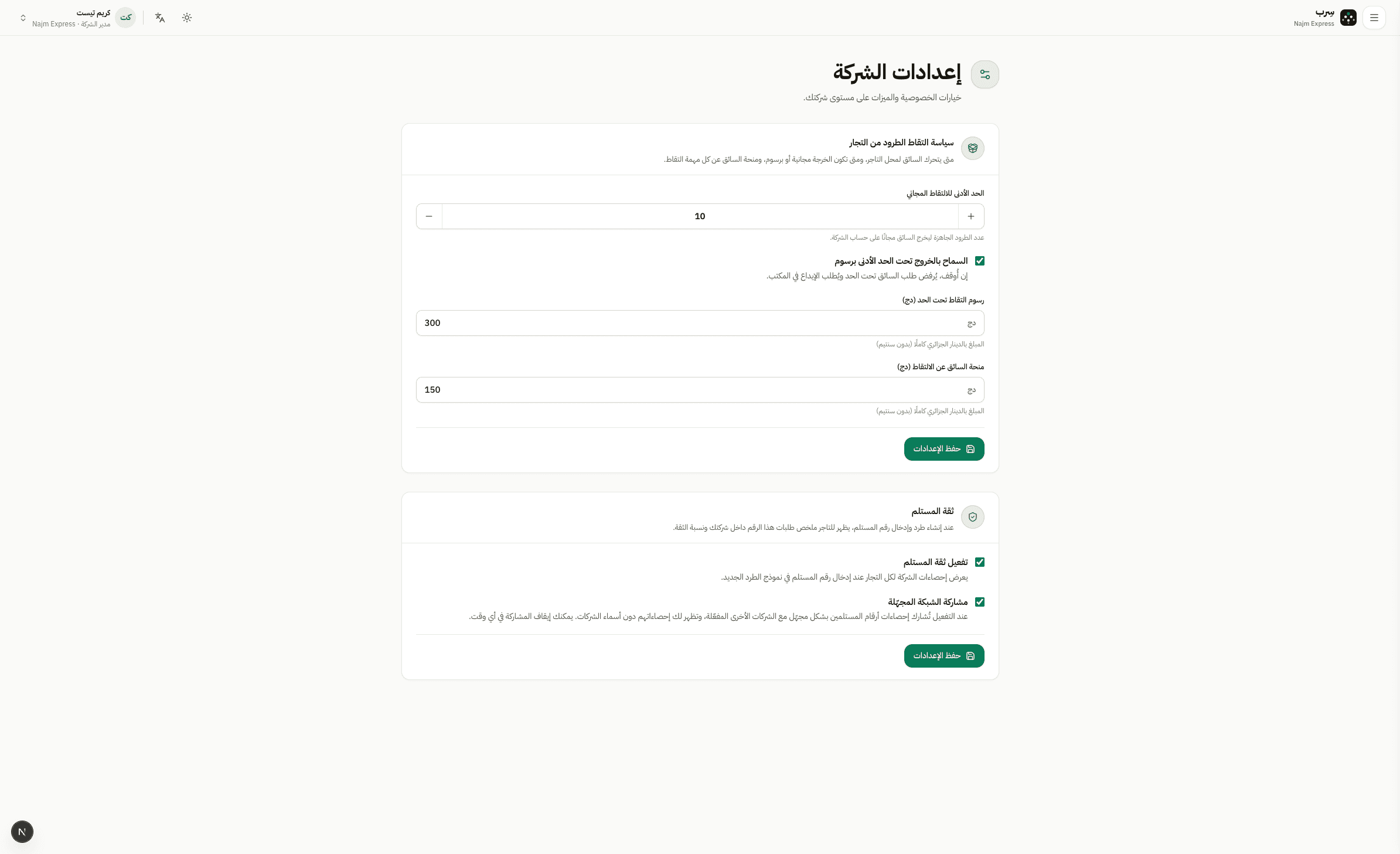
Pickup policy
In Settings the company admin sets the free minimum, allow-under-minimum, pickup fee, and driver bonus.
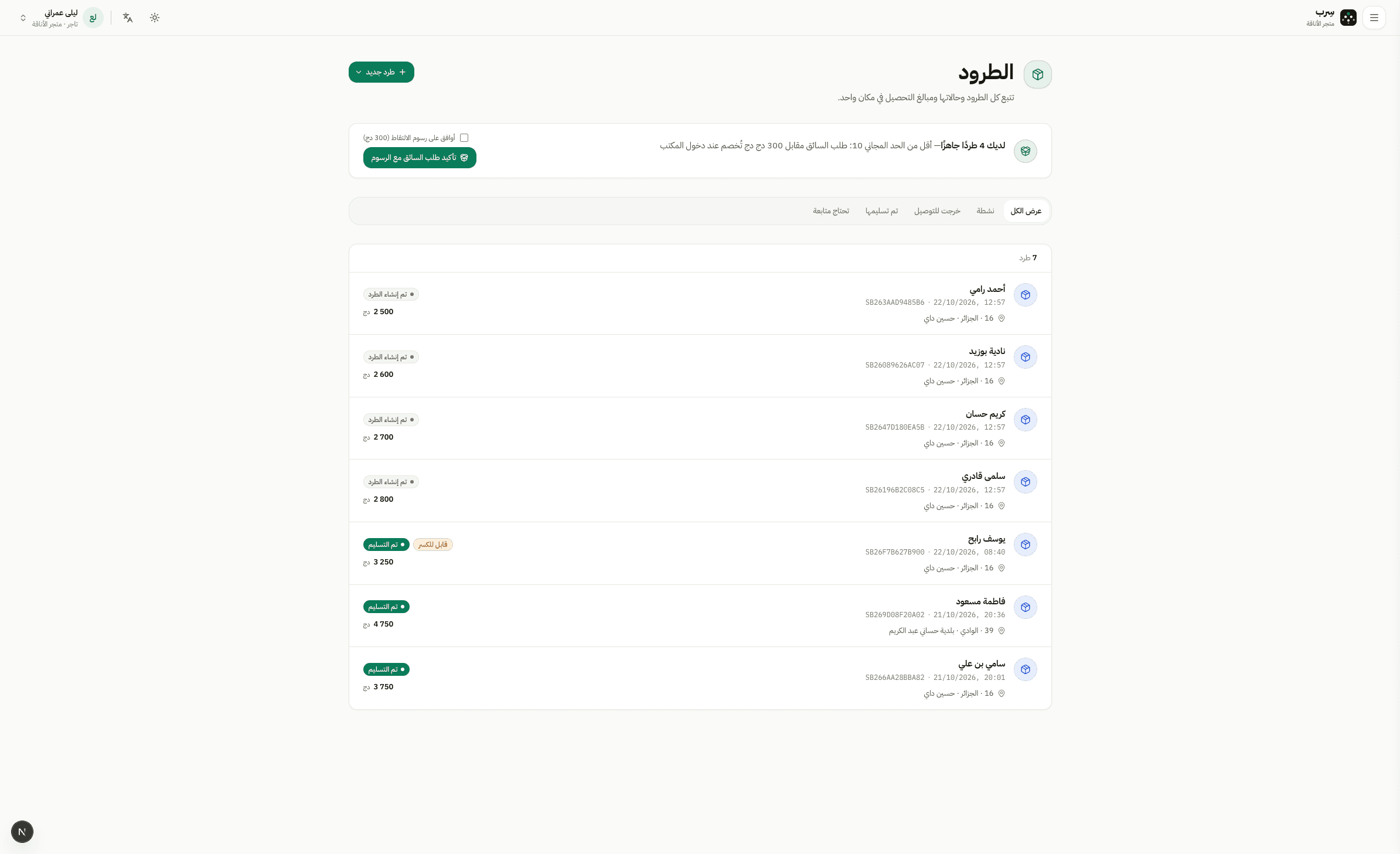
Request a parcel pickup
OperationsMerchant · Hub · Driver · Warehouse8 min read8 Steps
Full pickup path: free-minimum policy, merchant request, driver assign, collect, warehouse receive.
In Settings the company admin sets the free minimum, allow-under-minimum, pickup fee, and driver bonus.
When parcels are ready and an under-minimum notice shows, the merchant can create a pickup and accept any fee.
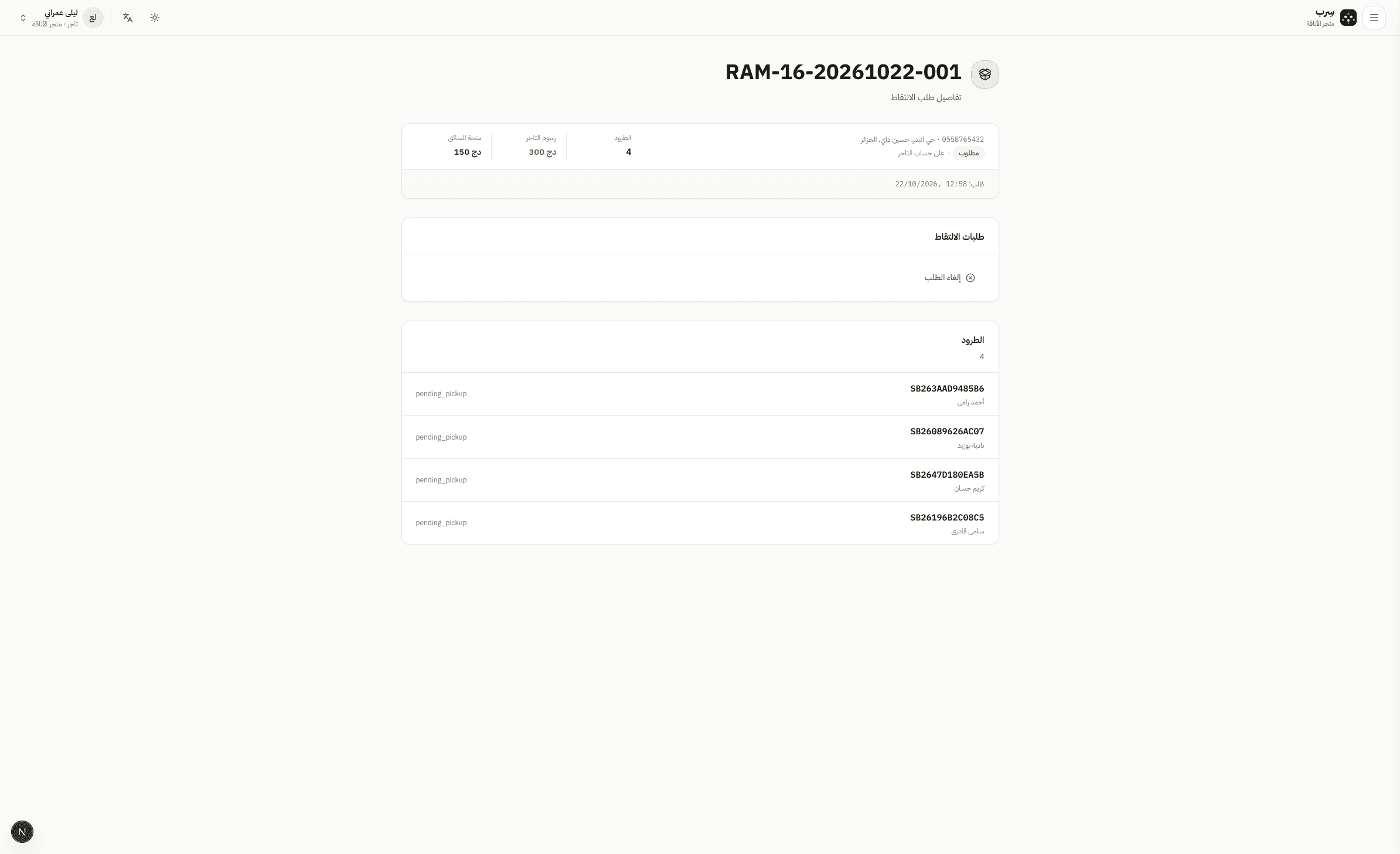
The confirm page summarises parcel count and fees before submit. Status then waits for driver assignment.
The hub manager opens Pickups and assigns a pickup driver. Status becomes driver assigned.
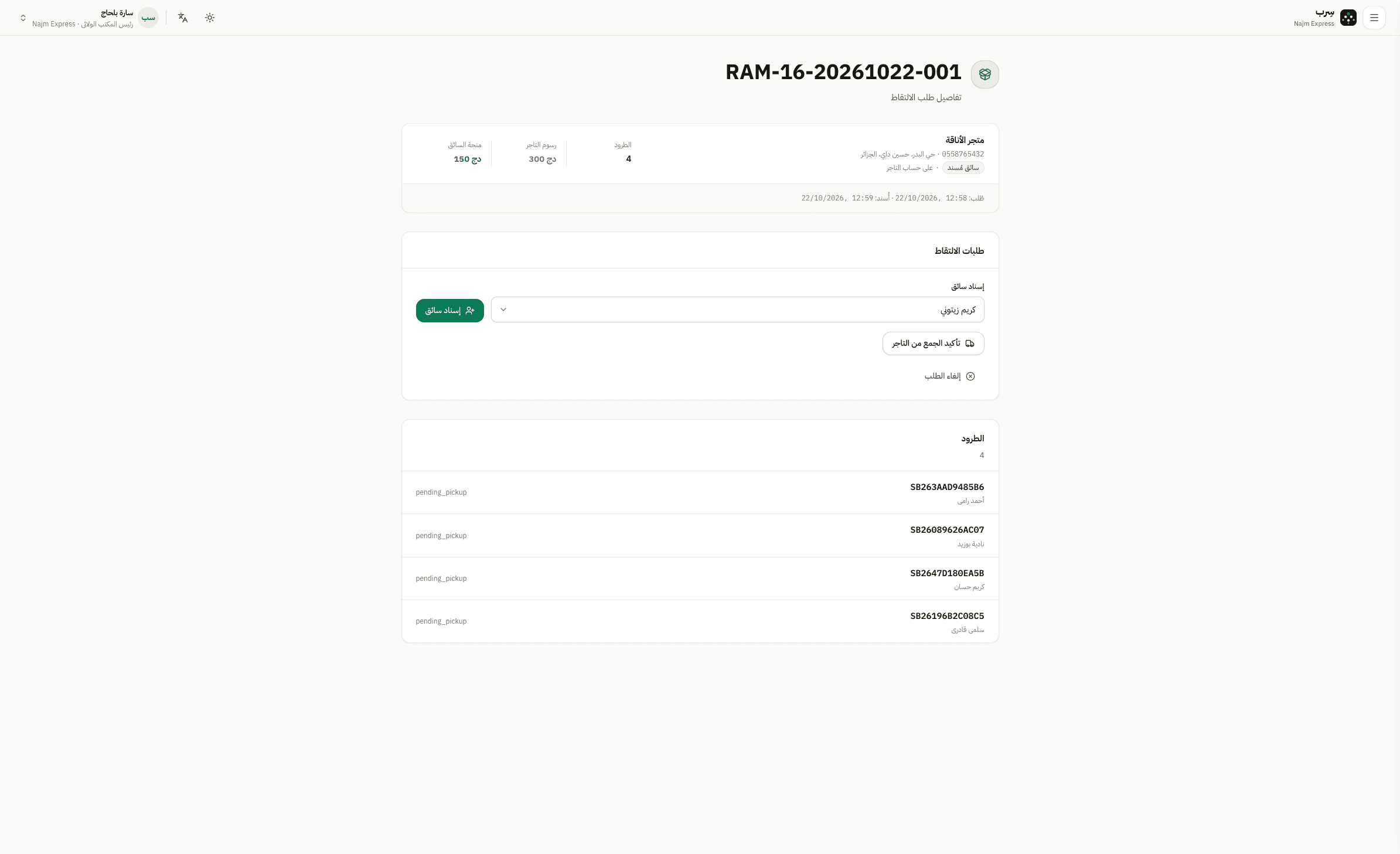
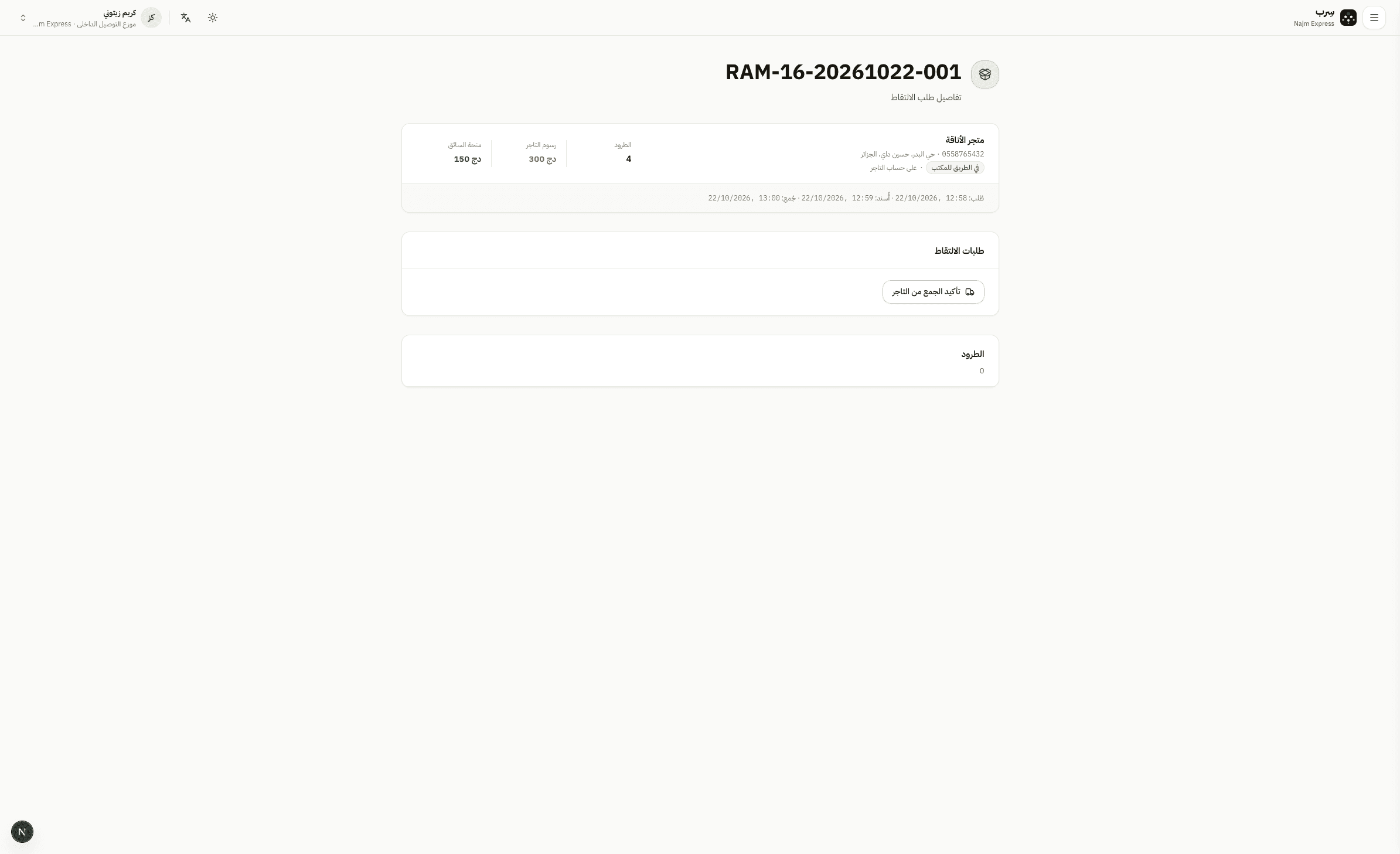
The driver confirms collection; parcels become picked up and the request is en route to the hub.
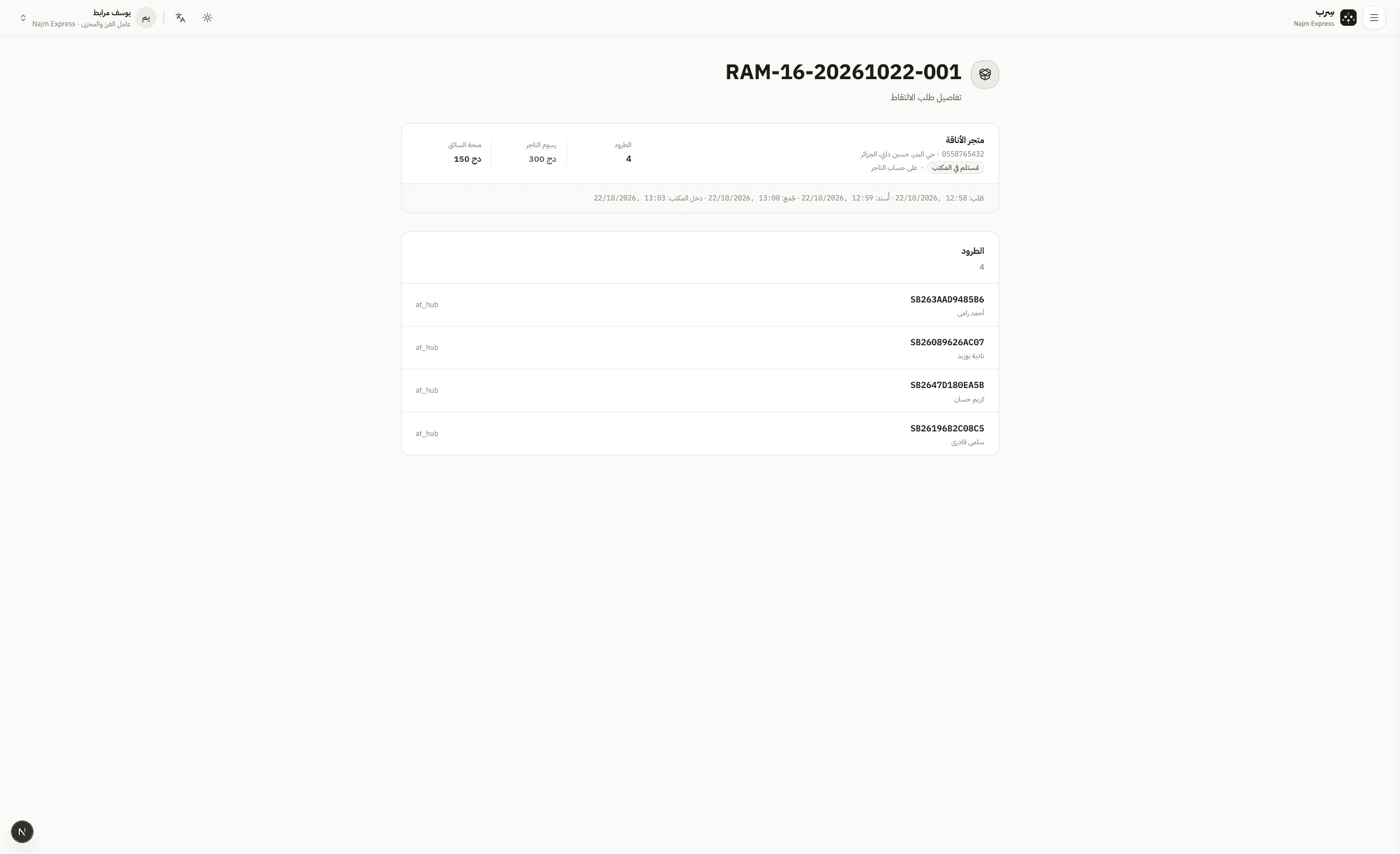
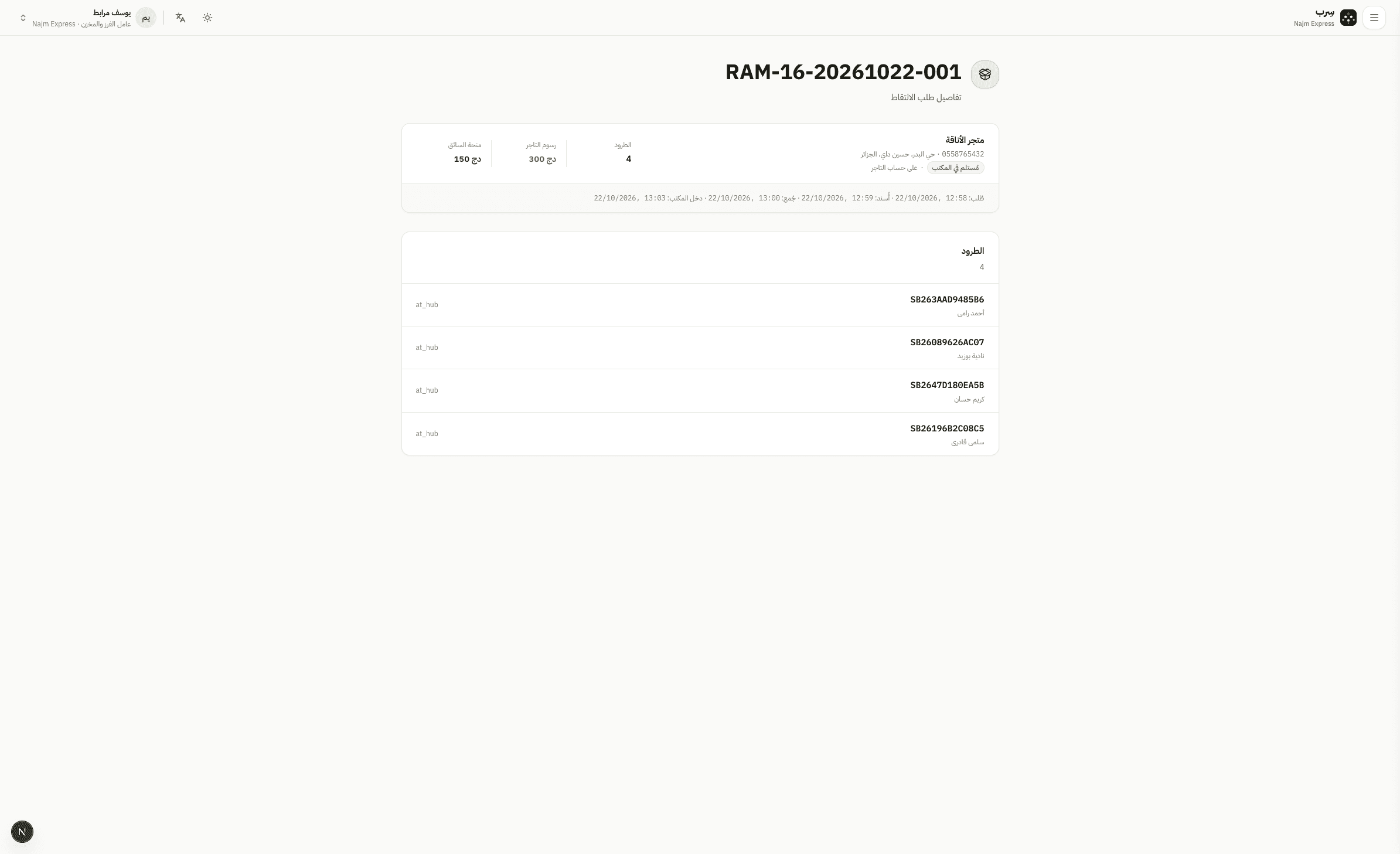
Warehouse staff receive at the hub — parcels are at hub, with the fee ledger posted once.
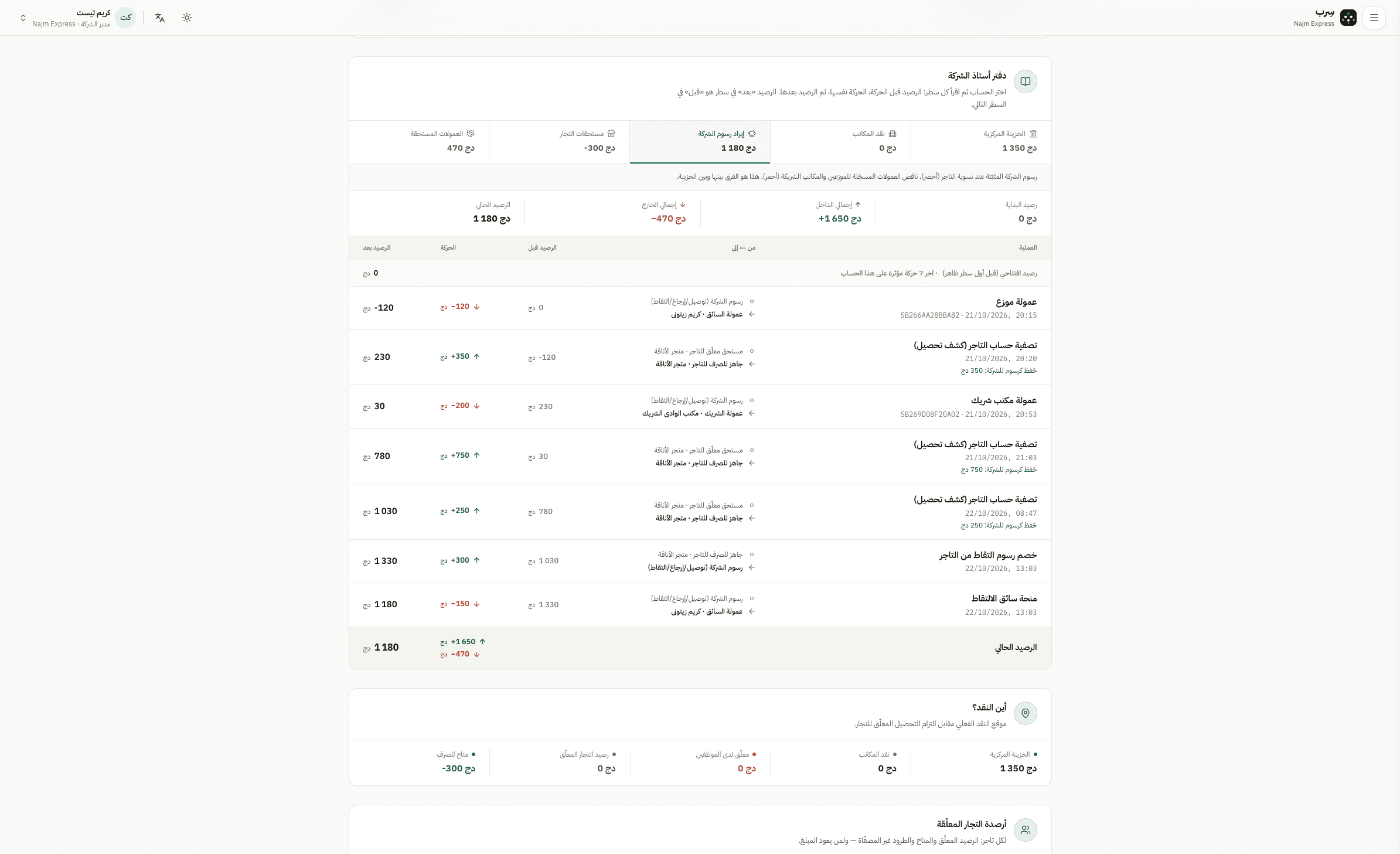
In Cash & balances, the fees ledger shows pickup fee and driver bonus postings.
The pickup page shows every stage from request to receipt — a full audit trail.