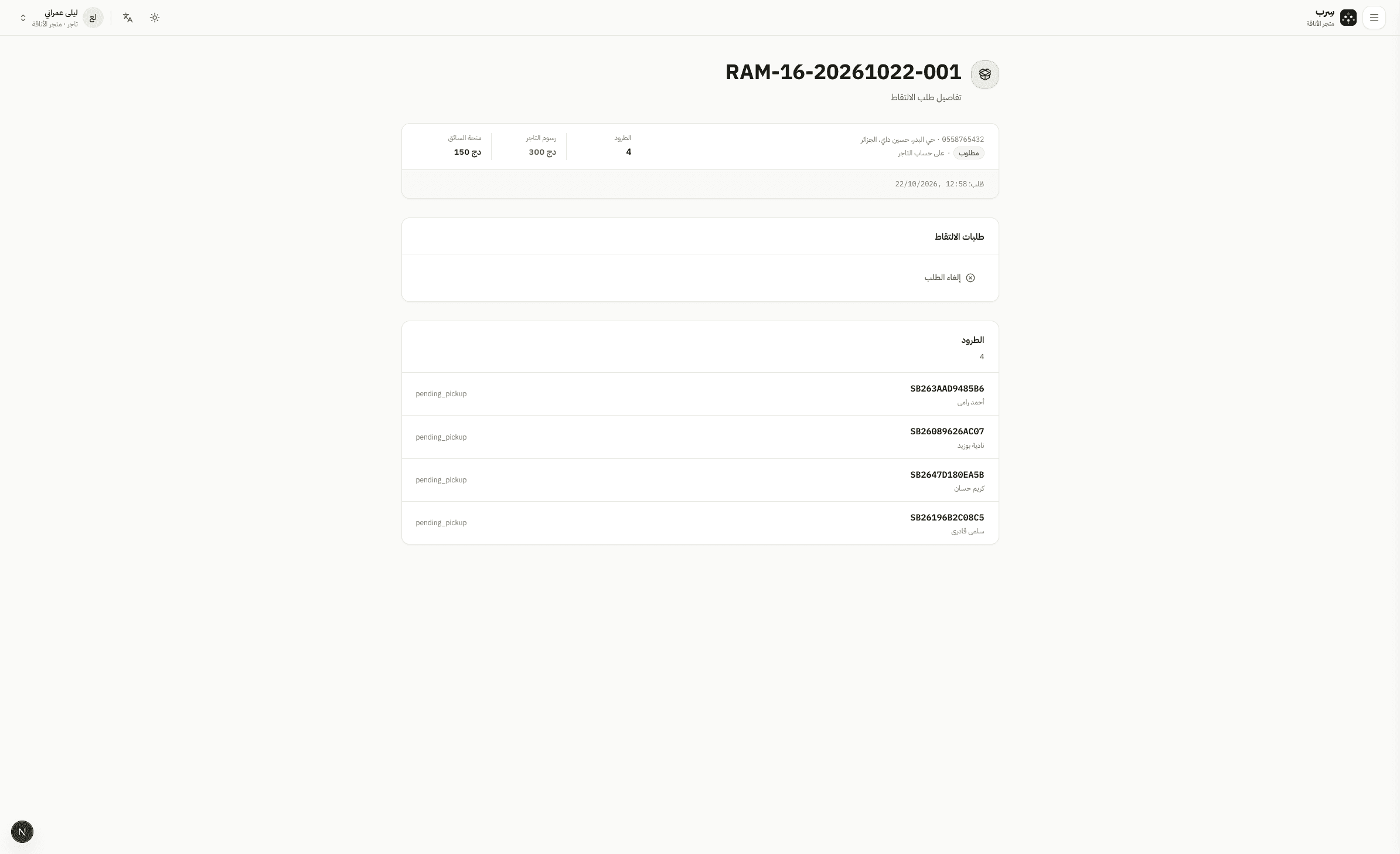
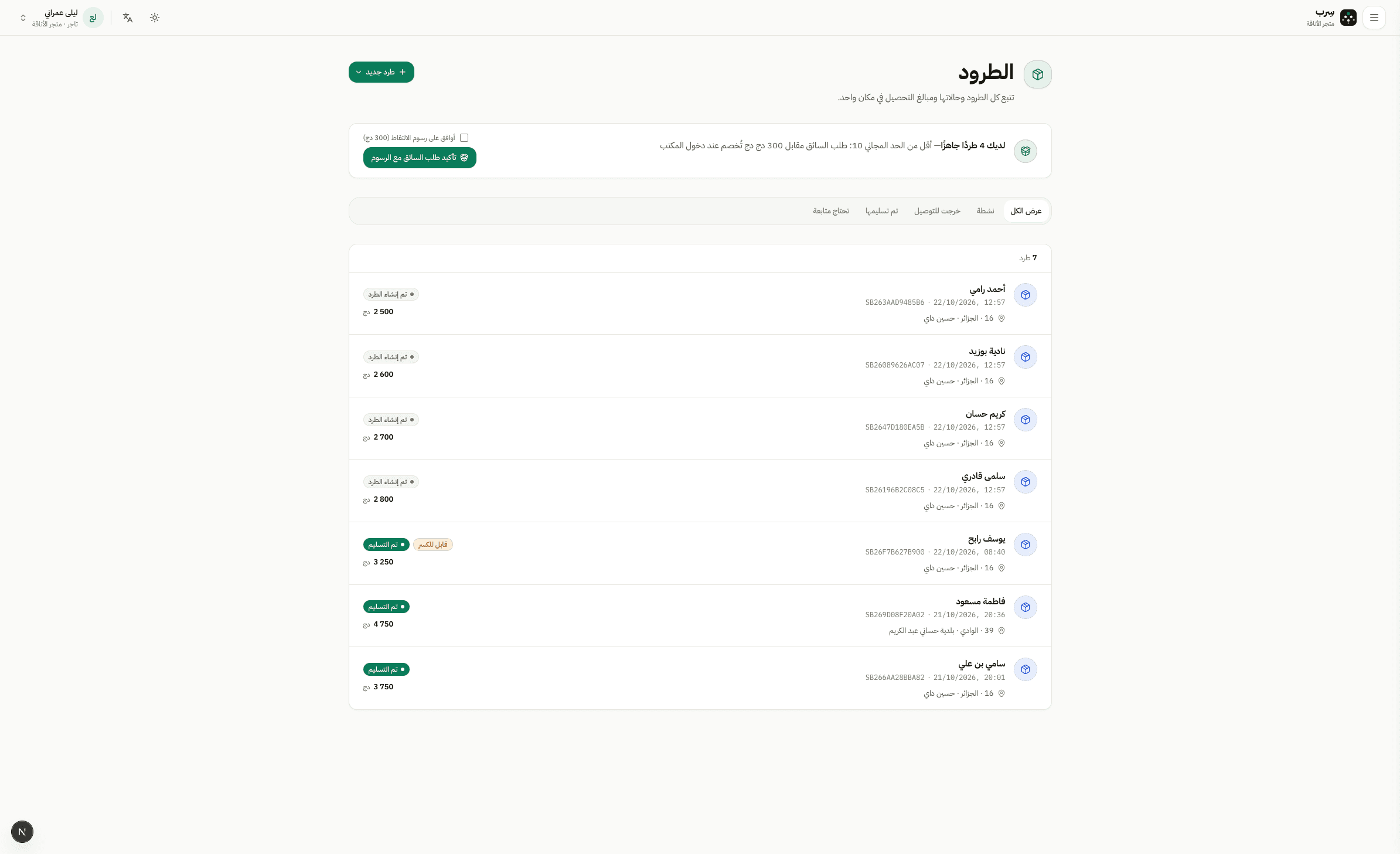
Prepare ready parcels
In the parcels list, finish drafts and submit them. When parcels are ready for pickup they show on the merchant board — watch the free-minimum fee notice when it applies.
Prepare and confirm orders
ParcelsMerchant · Hub5 min read3 Steps
How merchants prepare parcels and how hubs approve pending orders before pickup.
In the parcels list, finish drafts and submit them. When parcels are ready for pickup they show on the merchant board — watch the free-minimum fee notice when it applies.
Some merchants submit parcels awaiting hub approval. Staff open Parcels, filter by pending approval, then approve or send back to draft.
The top ops strip shows how many approvals are waiting.
From ready parcels create a pickup request. Under the free minimum a fee may appear — confirm it, then follow the request status.