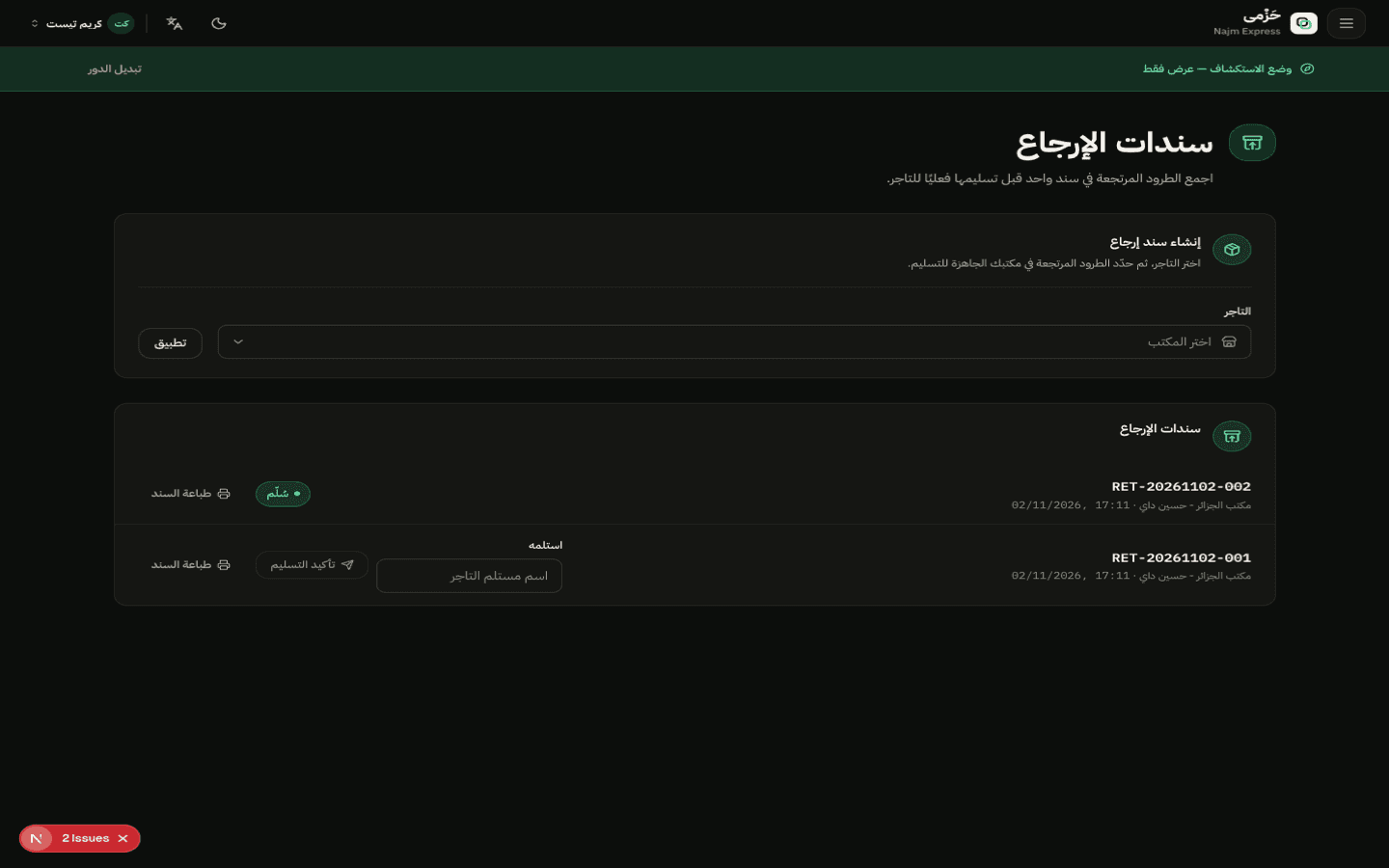
Pick the returned parcels
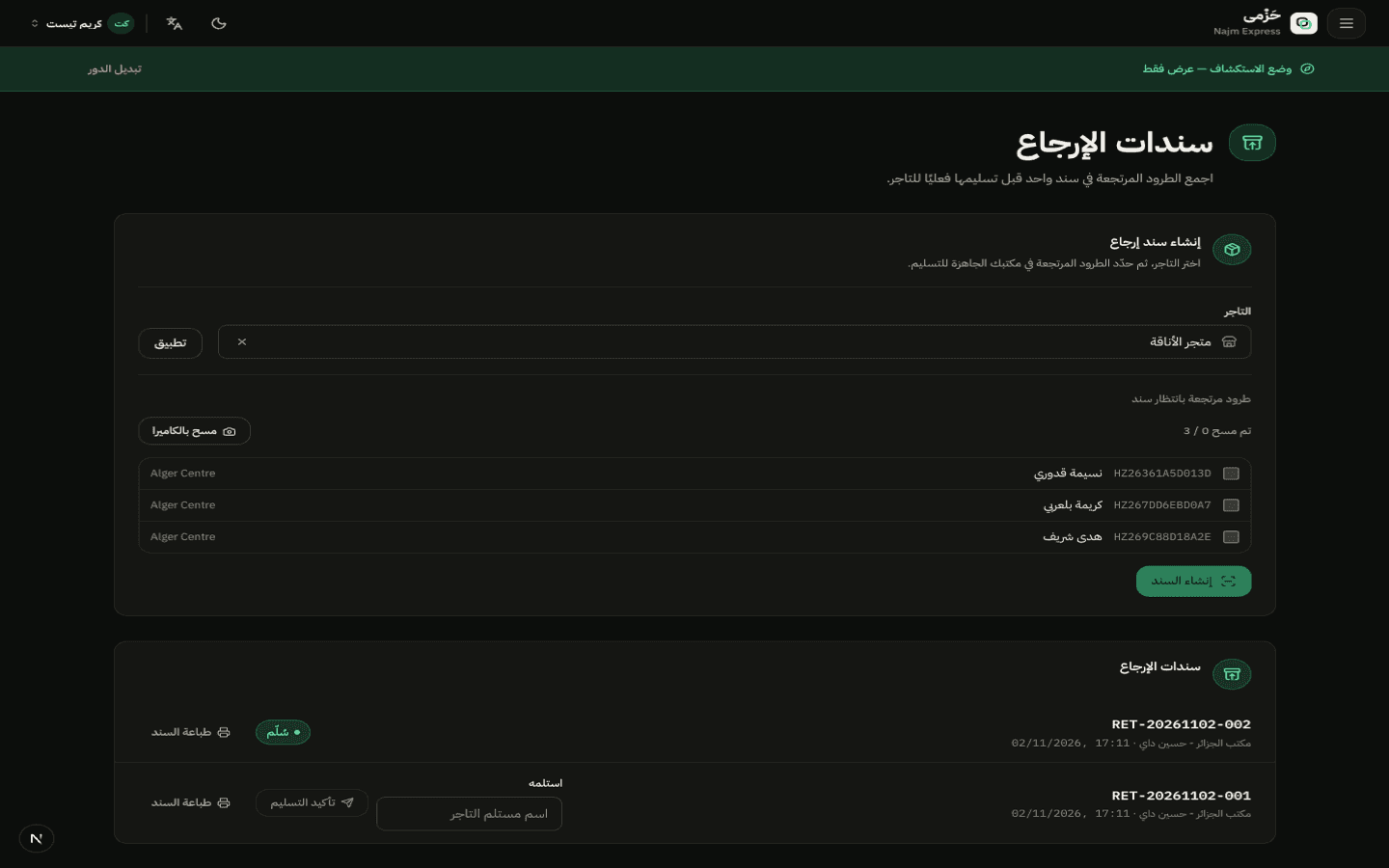
From the Returns screen, filter parcels with status Returned for one merchant, and select the ones you want to hand over together.
Return batches and the Bon de Retour
OperationsWarehouse · Hub4 min read3 Steps
How a hub groups one merchant's returned parcels into a single batch, then prints the official return voucher (Bon de Retour) at handover.
From the Returns screen, filter parcels with status Returned for one merchant, and select the ones you want to hand over together.
Create a return batch with its own reference code. It stays Open — ready for handover — until the merchant or their representative picks it up.
Several parcels from the same hub can join the same batch.
When you hand the batch over, record who received it. The batch status moves to Handed Over, and you can print the official return voucher that lists every parcel in the batch for both sides.