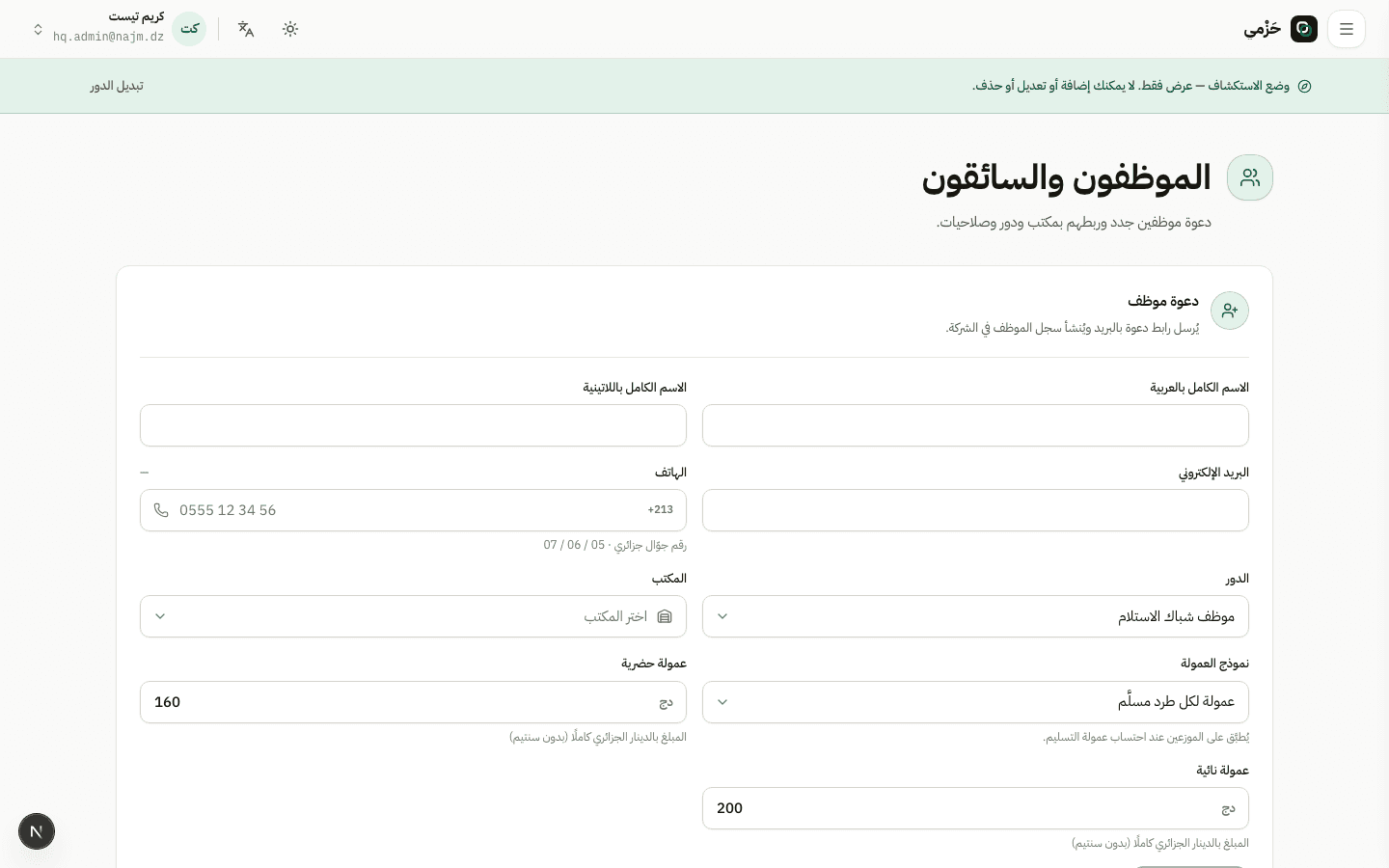
Open Staff
On Staff you see the current team. Company admins see all hubs; hub managers see their hub only.
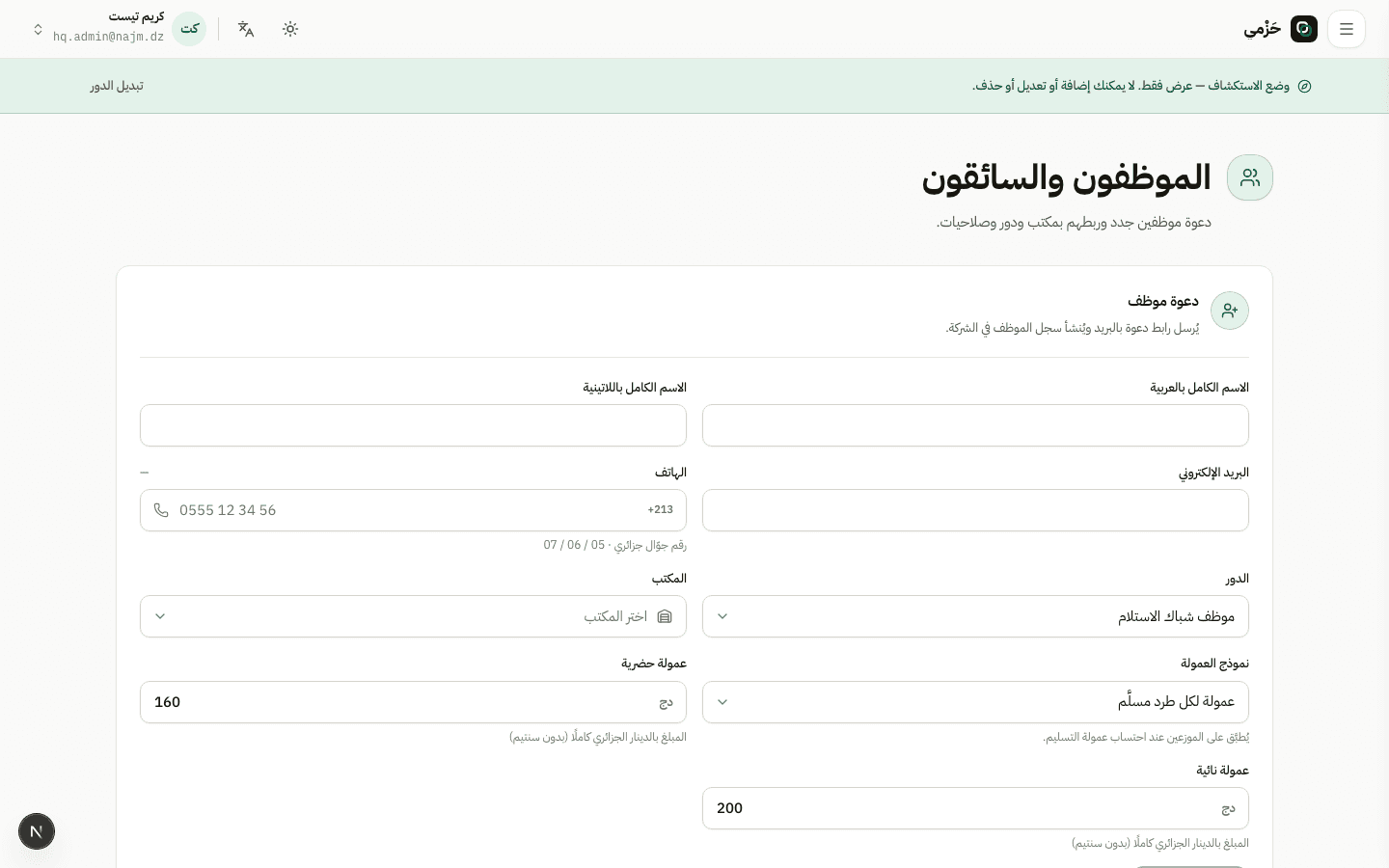
Add staff accounts
AdminHQ · Hub4 min read3 Steps
How the company admin or a hub manager adds staff from the Staff screen with the right roles.
On Staff you see the current team. Company admins see all hubs; hub managers see their hub only.
Enter name, email, and role — for example sorter, cashier, or last-mile driver — then pick the hub. An invite is sent or the account is created per platform flow.
Plan staff limits are enforced on create.
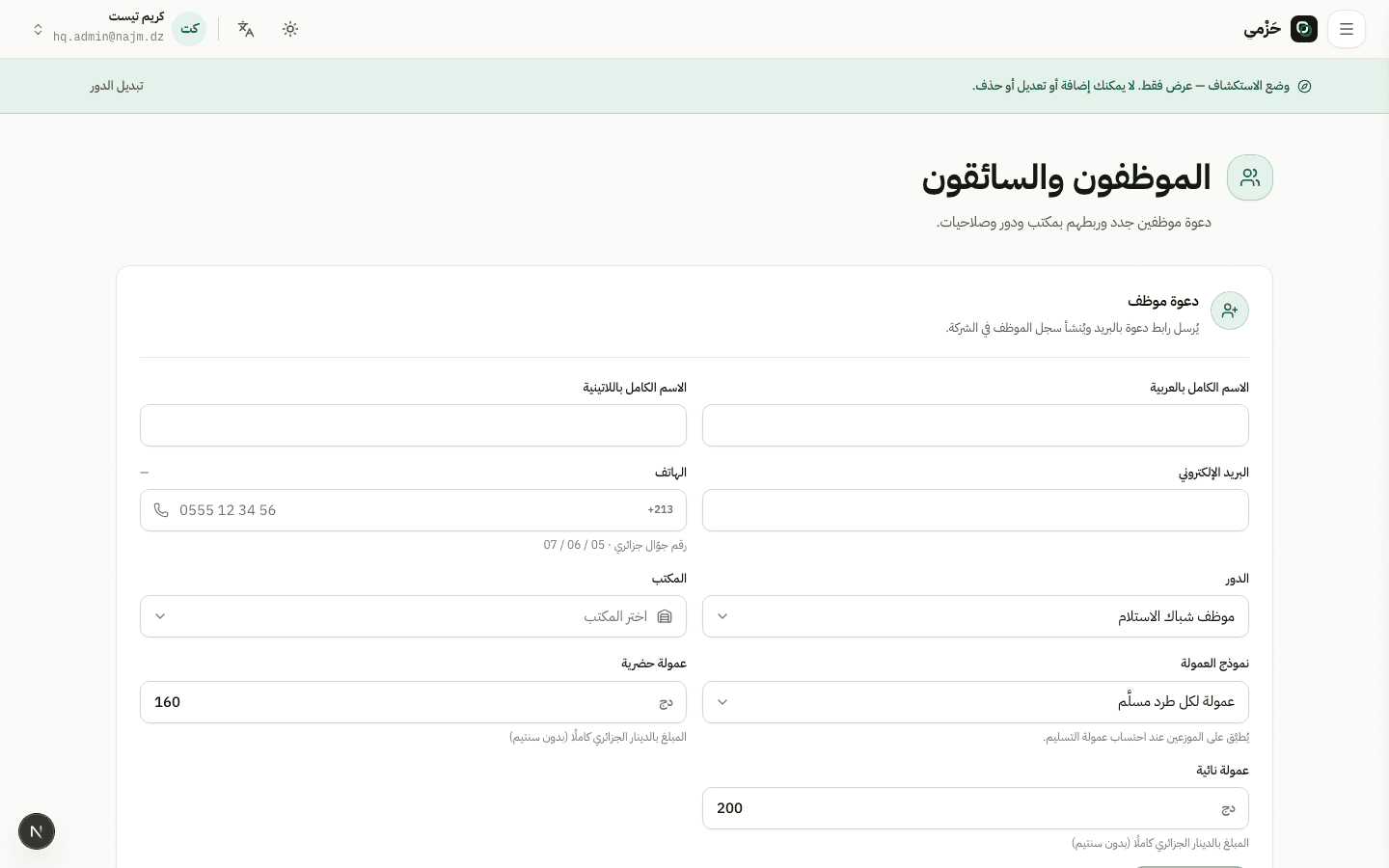
Each role gets a different sidebar. After adding, have them sign in and confirm the screens match their job.