Back to guides

Parcels15

Stalled parcels and in-transit edits

Hezmy

ParcelsMerchant · HQ5 min read3 Steps

Stalled parcels and in-transit edits

How a merchant follows stalled parcels (Colis en souffrance) and makes a quick decision on them, and how to edit the COD amount or phone number on a parcel still in transit.

Spot the stalled parcels

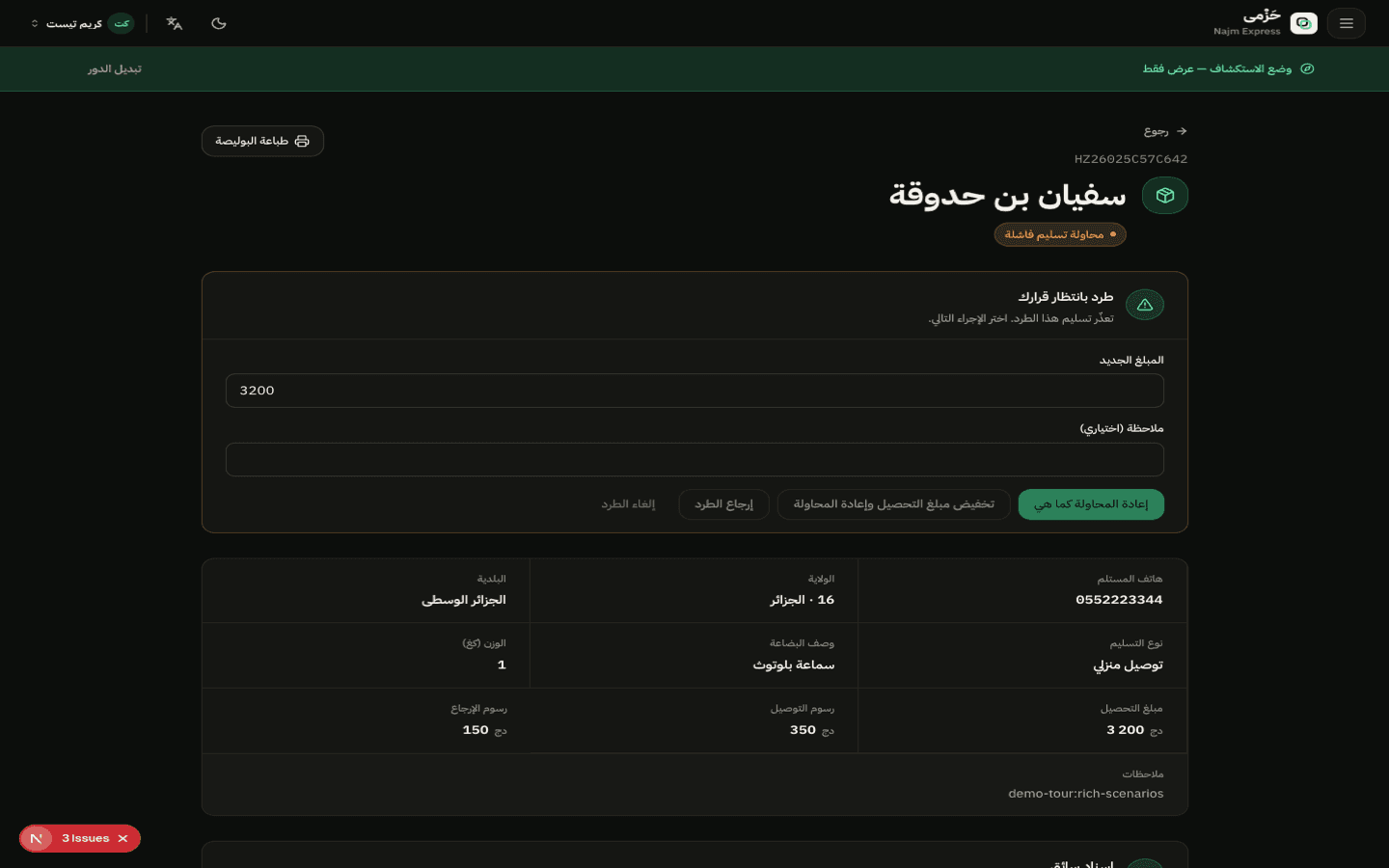
Parcels with a failed delivery attempt or put on hold show in a dedicated list with the reason and attempt count, so they never get lost among the rest of your active parcels.

The sooner you act, the better the odds of avoiding a return.
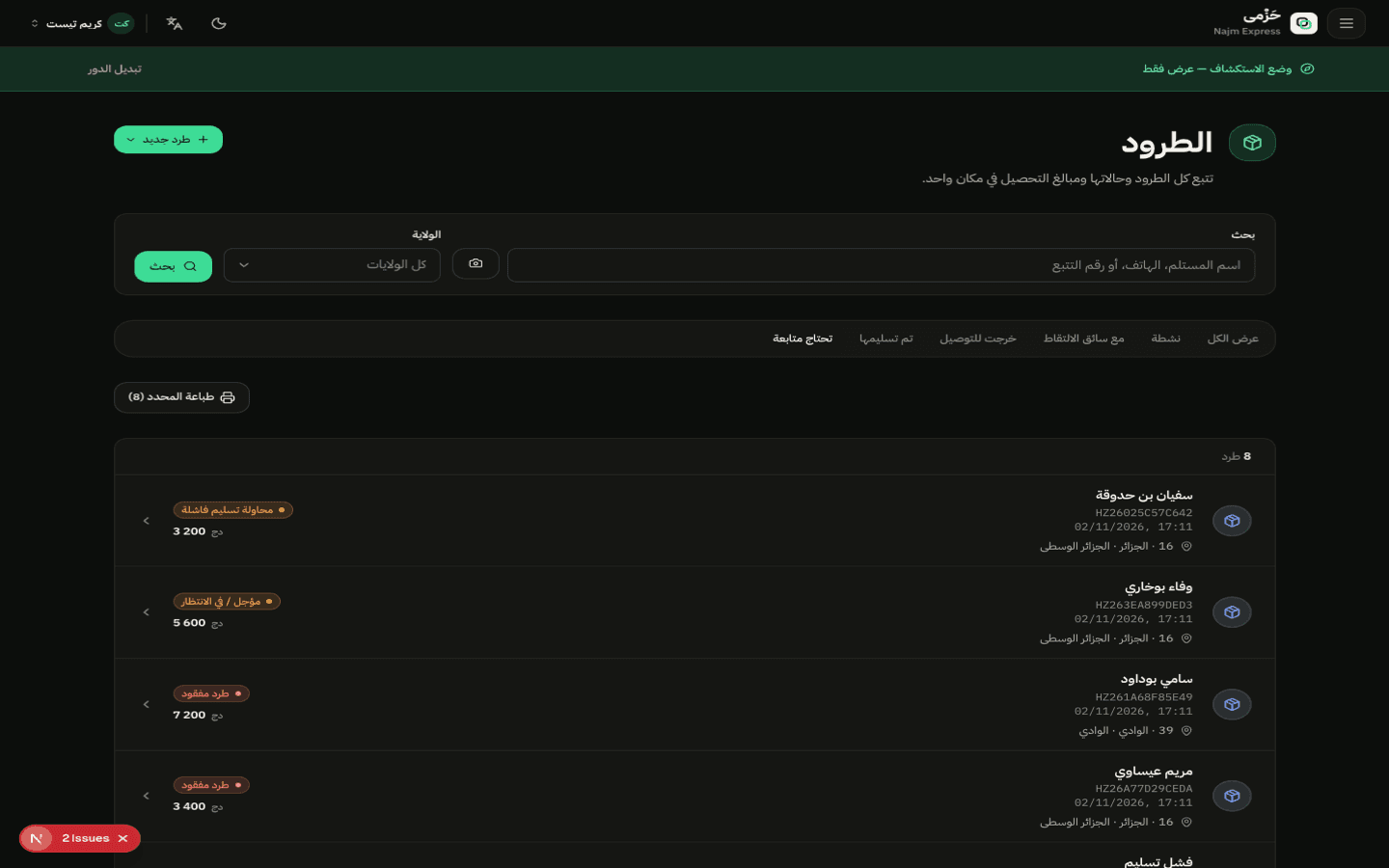
01Spot the stalled parcels

Four ready-made decisions

Every stalled parcel gets four buttons: retry delivery, switch to a Stop Desk pickup point, correct the phone number and retry, or return it immediately — no manual call to the hub needed.

02Four ready-made decisions

Edit the price or phone in transit

As long as the parcel hasn't been delivered yet, you can edit the COD amount or the recipient's phone number directly. The edit is logged on the parcel and shows instantly to the delivery team.

Editing never changes the parcel's route — only its financial or contact details.

All guides