Parcel list filters
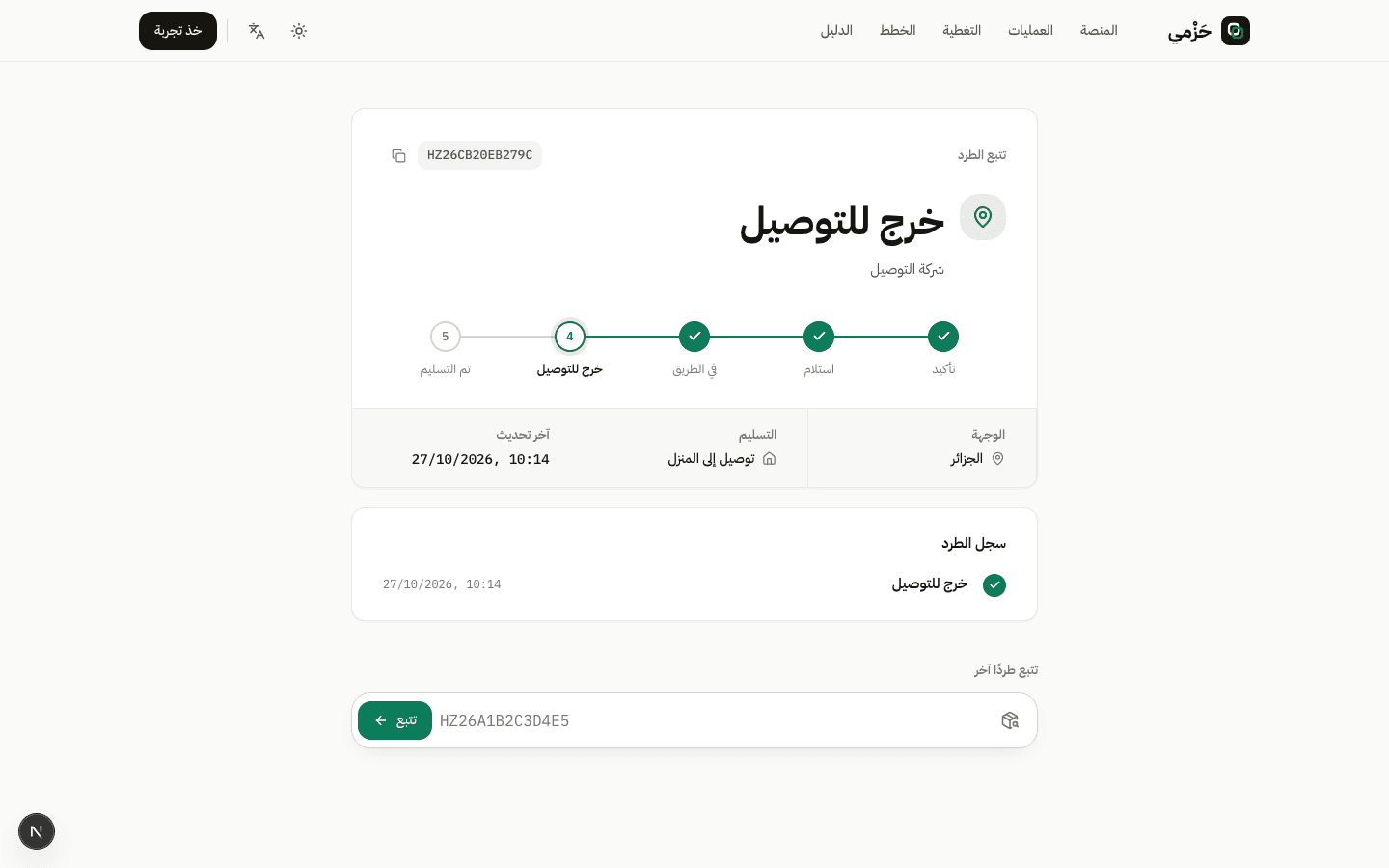
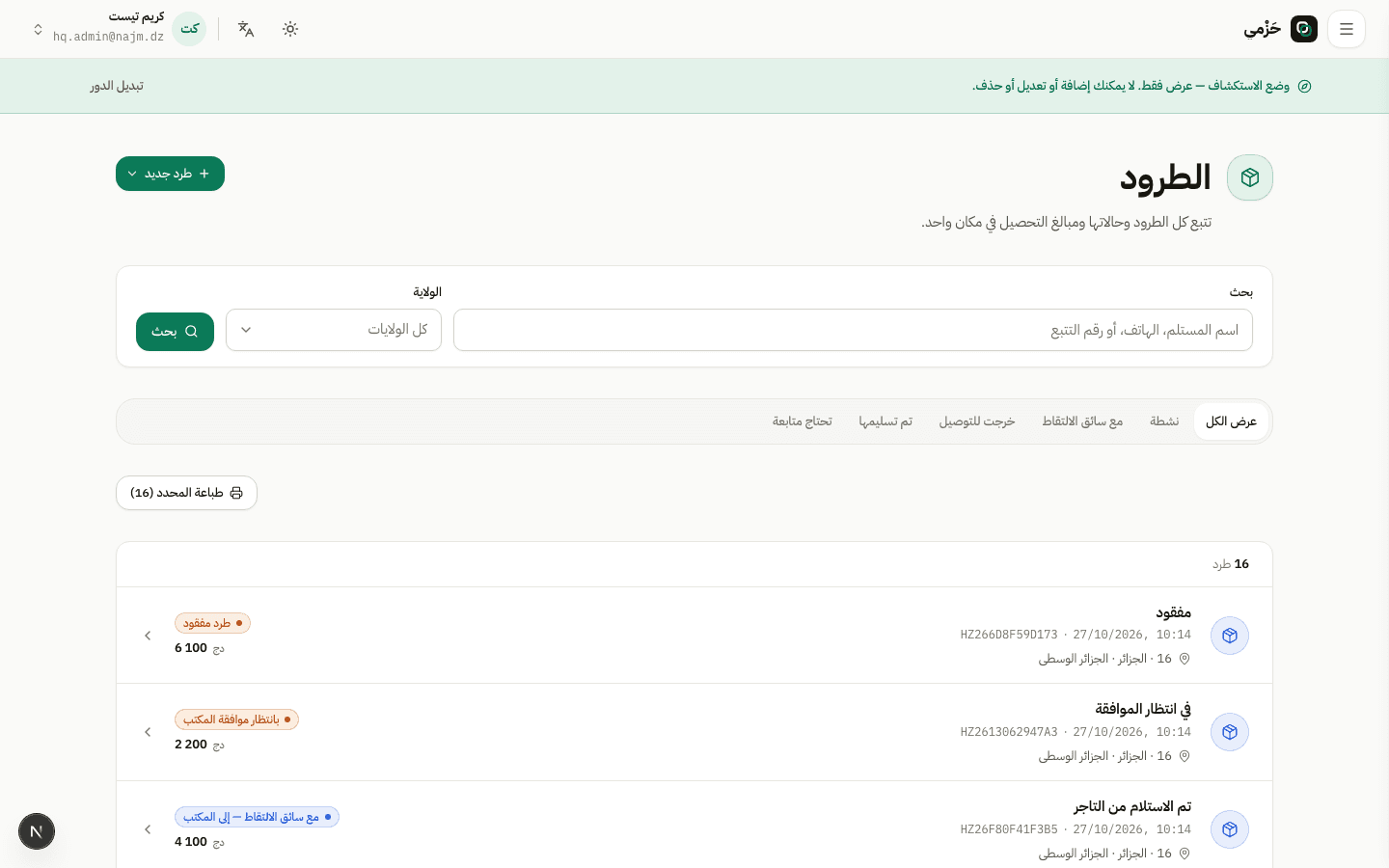
On Parcels use status, wilaya, and tracking search. Statuses like Out for delivery and Failed attempt show where the parcel stands.
Track delivery and routes
OperationsEveryone5 min read4 Steps
How teams follow delivery via parcels and routes, and how recipients track publicly.
On Parcels use status, wilaya, and tracking search. Statuses like Out for delivery and Failed attempt show where the parcel stands.
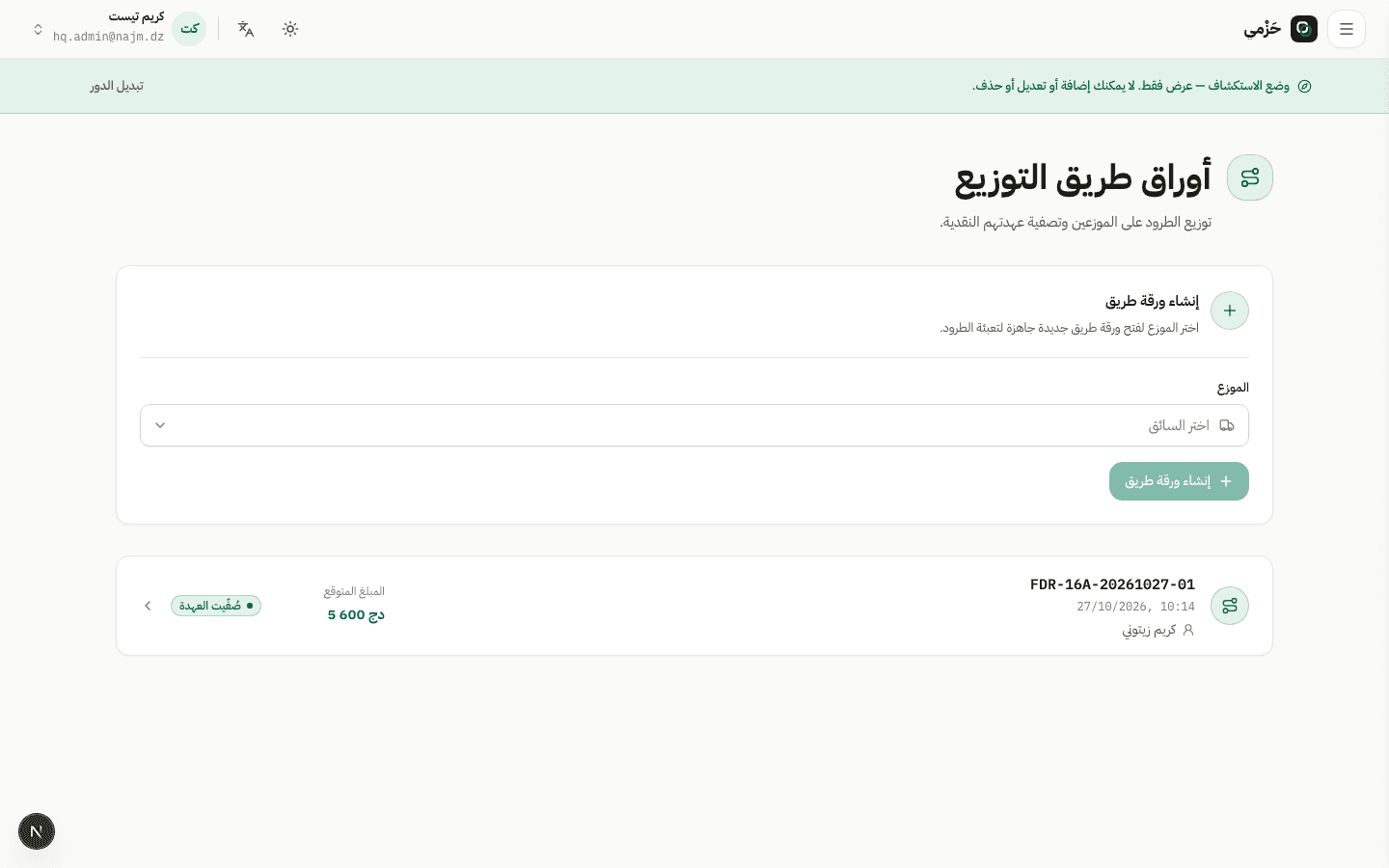
From Routes the hub opens a route, adds parcels, and assigns the last-mile driver. Print the route sheet when print permissions allow.
Every status transition appears on the timeline with who and when. Drivers mark delivered or a failed attempt with a reason.
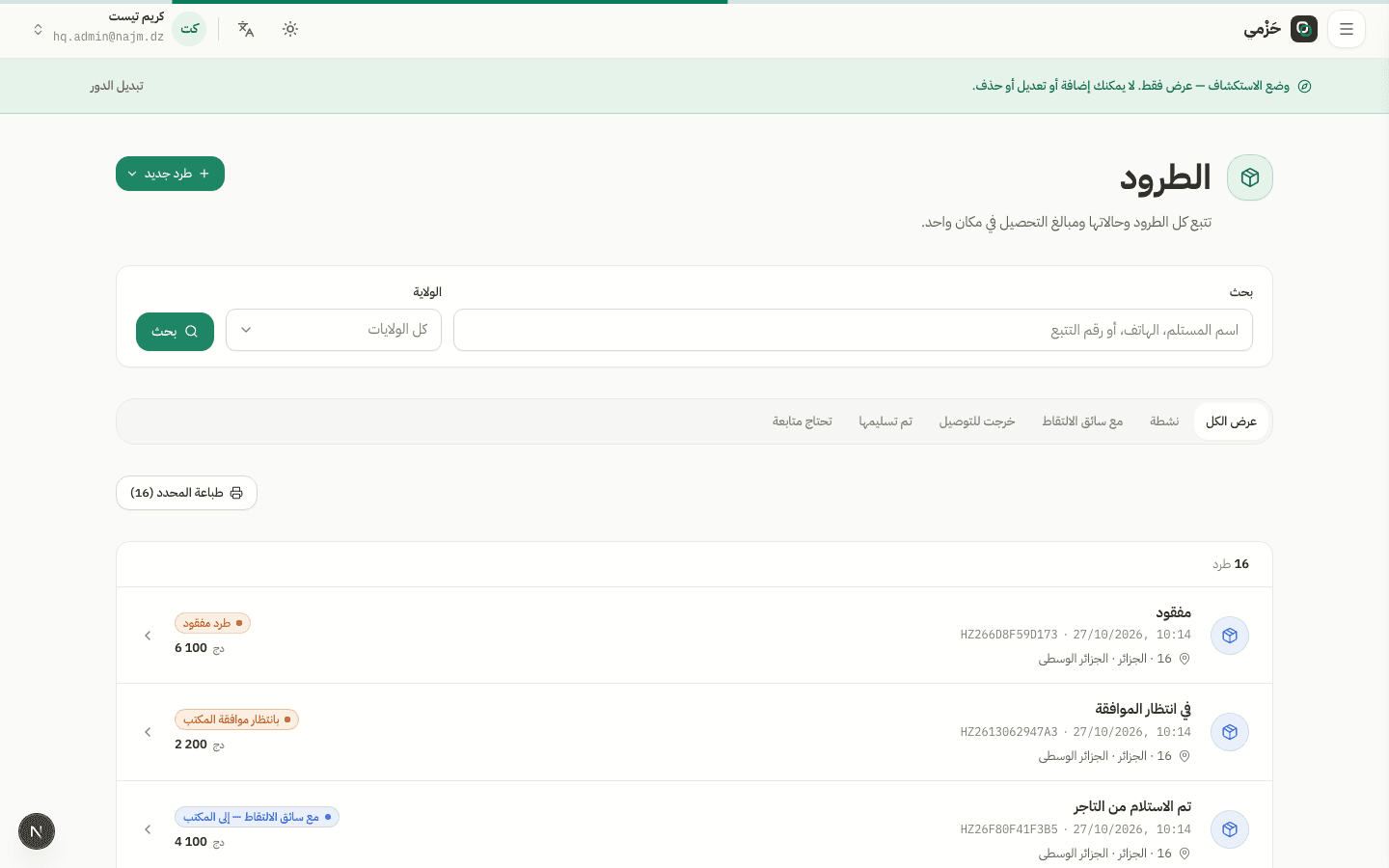
Recipients use the public tracking page with the same statuses, without exposing internal company data.